Tell us your business. Get a website built for your trade.
Type what you do and where. We write the pages, pick a design that suits, and hand you a site you can change by clicking on it, or by asking Genius in plain words.
Try
harperplumbing.com.au
New website
What are we building?
Say what the business is and where it is. A few words is plenty.
plumber in Wynnum
Build it
Building Bayside Plumbing Co
Reading what we know about the trade and the place
Writing the pages in plain words
Choosing a design that suits it
4Setting up search, schema and the sitemap
5Checking it on a phone
Sample website and business
The editor
From a few words to a website you run yourself.
Scroll through it. This is the real editor, with a sample business in it.
01
Tell us your business
"Plumber in Wynnum" is plenty. We read up on your trade and your area, write the pages in plain words, pick a design that suits, set up the search basics and check it on a phone. It takes about half a minute.
Nothing goes online until you say so.
Bayside Plumbing Co
Plumber · Wynnum
Leaks, drains and hot water, fixed the same day.
Get a quote
02
Click anything to change it
Words, pictures, buttons. Click and type. Pick a text style, make it bold, add a link. Stuck for words? Ask AI makes it shorter, friendlier or more formal, and shows you first.
Heading 1 BIAsk AI
Ask AI about these words
ShorterFriendlierMore formalFix spelling
Or say how to change it
03
Or just ask Genius
Say what you want in your own words. "Say we work weekends." "Add our reviews under the services." Genius makes the change with the same tools you use, so Undo always puts it back.
Ask GeniusChanges this page. Undo puts anything back.
Clear next stepGive readers one obvious action to take.
A little motionA gentle fade as each section arrives.
Say we come out on weekends, and make the hero friendlier
Changed the words in Hero to say you work weekends, and made them friendlier. Undo
Add our reviews under the services
Ask Genius to change anything…
This page
04
Your colours, everywhere at once
Site styles changes the whole site in one go: colour palettes, colours taken from your logo, font pairs, background, button shape and page width.
Try a palette. The sample site changes.
Bayside Plumbing Co
Plumber · Wynnum
Leaks, drains and hot water, fixed the same day.
Get a quote
Site styles
Colours
From your logoYour own colour
FontsInter Tight + Inter
BackgroundSoft white
ButtonsSquareRoundPill
Page widthNarrowNormalWide
05
Add sections that already look good
Hero, welcome, services, why choose us, reviews, questions, a call-to-action band. Hover one and it shows on your page, right where it will go. Click to add it.
One, two or three rows. Put your phone number in as a number, an icon, or a big "Call now" button. Keep it on every page, or just this one. Pick a footer with your hours, links or a last call to action.
Phone numberEvery page
Show as
Number0400 000 000
Icon and number0400 000 000
Icon only
Words above numberCall us 7 days0400 000 000
ButtonCall now
Move toTop rowMenu row
07
A little movement
Eight ways for a section to arrive: fade in, rise up, slide, zoom and more. Use it on one section, the whole page, or switch on Entire site and every page moves the same way.
AnimationWhole page
None
Fade in
Rise up
Blur
Slide up
Slide down
Slide left
Slide right
Zoom in
ReplayEntire site
08
Right-click, like you'd expect
Right-click a background to change it. Right-click a section to move it, change its layout, add something to it or delete it. The menu opens where you clicked.
Section · Hero
Background›
Layout›
Animation›
Add element›
Move up
Move down
Delete section
Theme
Picture
09
Add a page in seconds
Type the page name. We work out what kind of page it is, you pick a design, and it goes in your menu. Service pages sit under Services. Drag it anywhere you like.
Add a page
Hot water systems
Web address /services/hot-water-systems · in the menu under Services
Pick a design
Photo beside words
Big photo, quote button
Dark band
Strong, centred words
Create page
10
Or make pages in sets
A page for every service, every suburb you work in, or every service in every suburb. Set what goes on them once. Each one gets its own title and description, and the set stays the same design.
Press Publish and watch each step happen, ending with a check that your address answers. Every publish is saved, so an earlier version is one click away: Show this one.
Publish
Checking your plan
Building your pages
Uploading the files
Saving this version
Pointing your address at it
Checking your address answers
Live at baysideplumbing.com.au
Earlier versions
Version 7 · 17 Oct, 2:40 pm · 14 pagesLive
Version 6 · 15 Oct, 9:12 am · 14 pagesShow this one
Version 5 · 9 Oct, 4:05 pm · 6 pagesShow this one
Dashboard
Changes not published
EditPreviewPublish
Bayside Plumbing Co
Call now
Plumber · Wynnum and the bayside
Leaks, drains and hot water, fixed the same day.Same-day plumbing, weekends too.
Local plumbers who turn up when we say, quote before we start, and leave the place clean.Friendly local plumbers, seven days a week. We quote before we start and leave it spotless.
Get a quote0400 000 000
Reviews · Three cardsHover to see it here. Click to add it.
What we fix around Wynnum
Leaks and burst pipesFound fast, fixed properly, no mess left behind.
Blocked drainsCamera checks and jetting, so it stays clear.
Hot water systemsGas, electric and heat pump, repaired or replaced.
Need a plumber this week?Tell us the job. We come back with a price, not a call-back.
Get a quote
Bayside Plumbing CoLicensed plumbers for Wynnum, Manly and the bayside.
HoursMon to Fri 7am to 5pm Weekends for emergencies
AreasWynnum · Manly · Lota Cannon Hill · Tingalpa
LayoutBackgroundAnimationAdd element
Heading 1 BIAsk AI
Ask AI about these words
ShorterFriendlierMore formalFix spelling
Or say how to change it
AnimationWhole page
None
Fade in
Rise up
Blur
Slide up
Slide down
Slide left
Slide right
Zoom in
ReplayEntire site
Section · Hero
Background›
Layout›
Animation›
Add element›
Move up
Move down
Delete section
Theme
Picture
Phone numberEvery page
Show as
Number0400 000 000
Icon and number0400 000 000
Icon only
Words above numberCall us 7 days0400 000 000
ButtonCall now
Move toTop rowMenu row
New website
What are we building?
Say what the business is and where it is. A few words is plenty.
plumber in Wynnum
Build it
Building Bayside Plumbing Co
Reading what we know about the trade and the place
Version 6 · 15 Oct, 9:12 am · 14 pagesShow this one
Version 5 · 9 Oct, 4:05 pm · 6 pagesShow this one
How it works
Three steps. The first one is typing a few words.
Tell us what you do
Your trade and where you work. Add your business name, colour or old web address if you like. Or don't.
We build it for your trade
Pages written in plain words, a design that suits, search basics set up, and checked on a phone.
Change it, then publish
Click to edit or ask Genius. When it looks right, press Publish. Change your mind later? Go back a version.
Built for your trade
A plumber's site isn't a café's site.
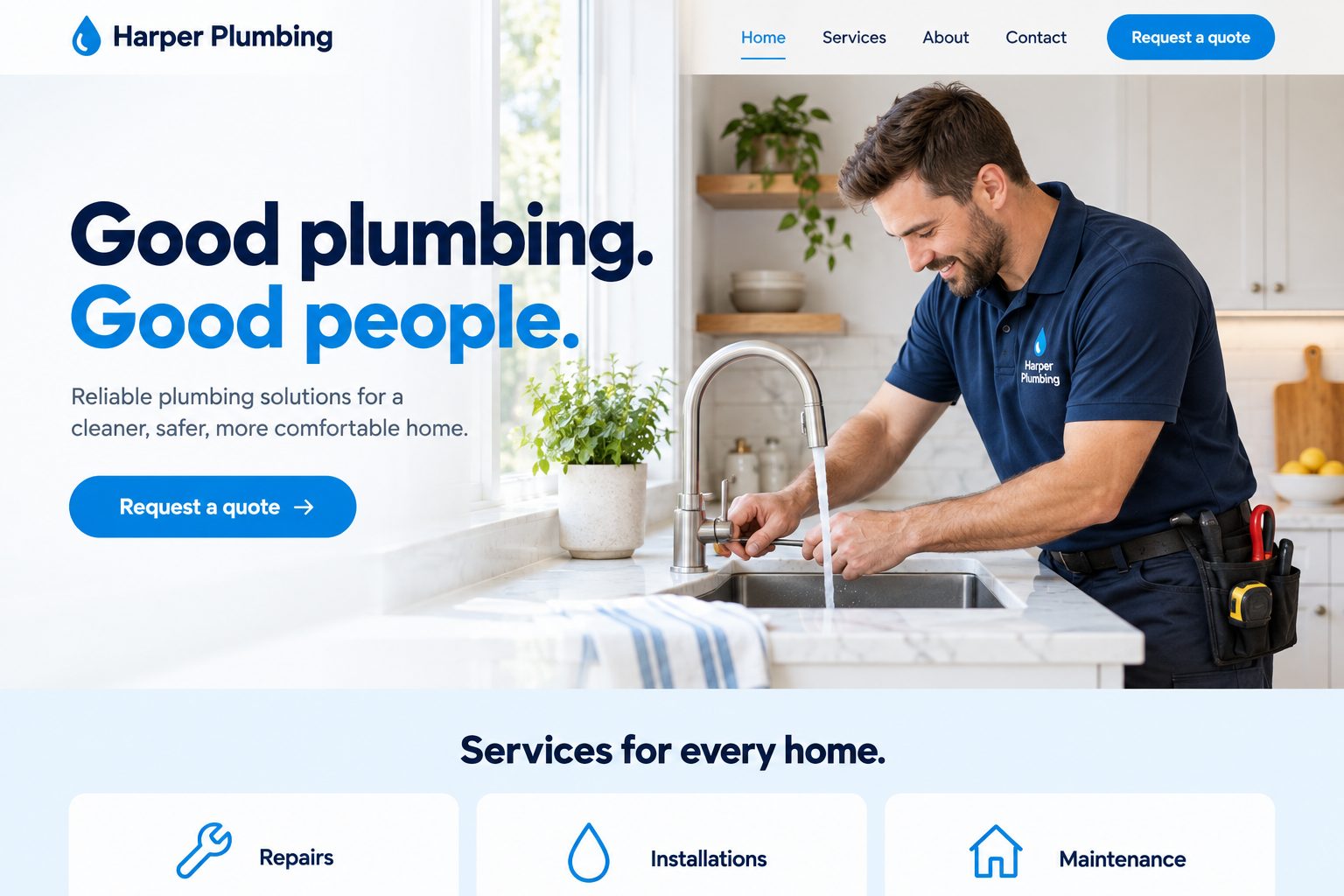
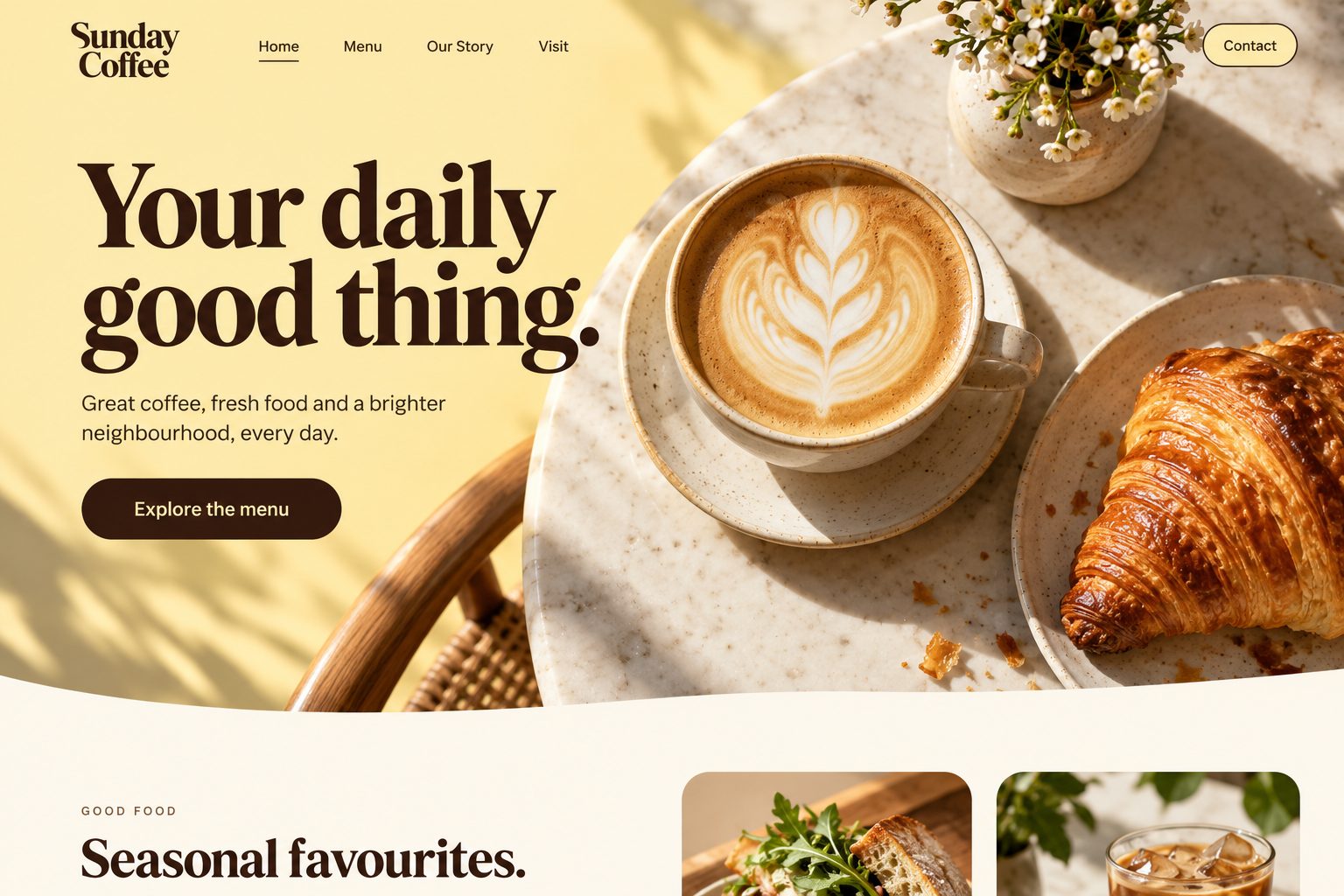
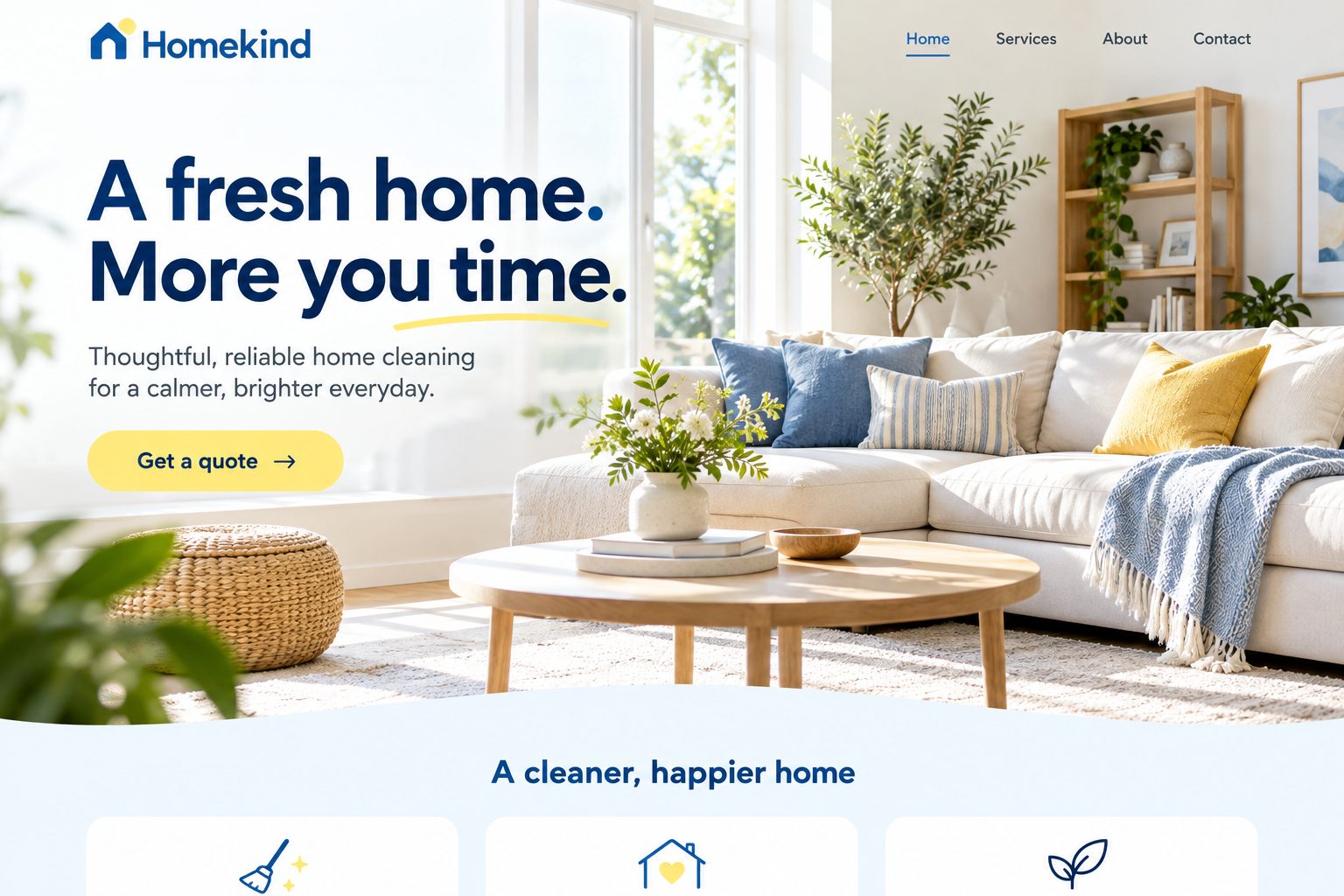
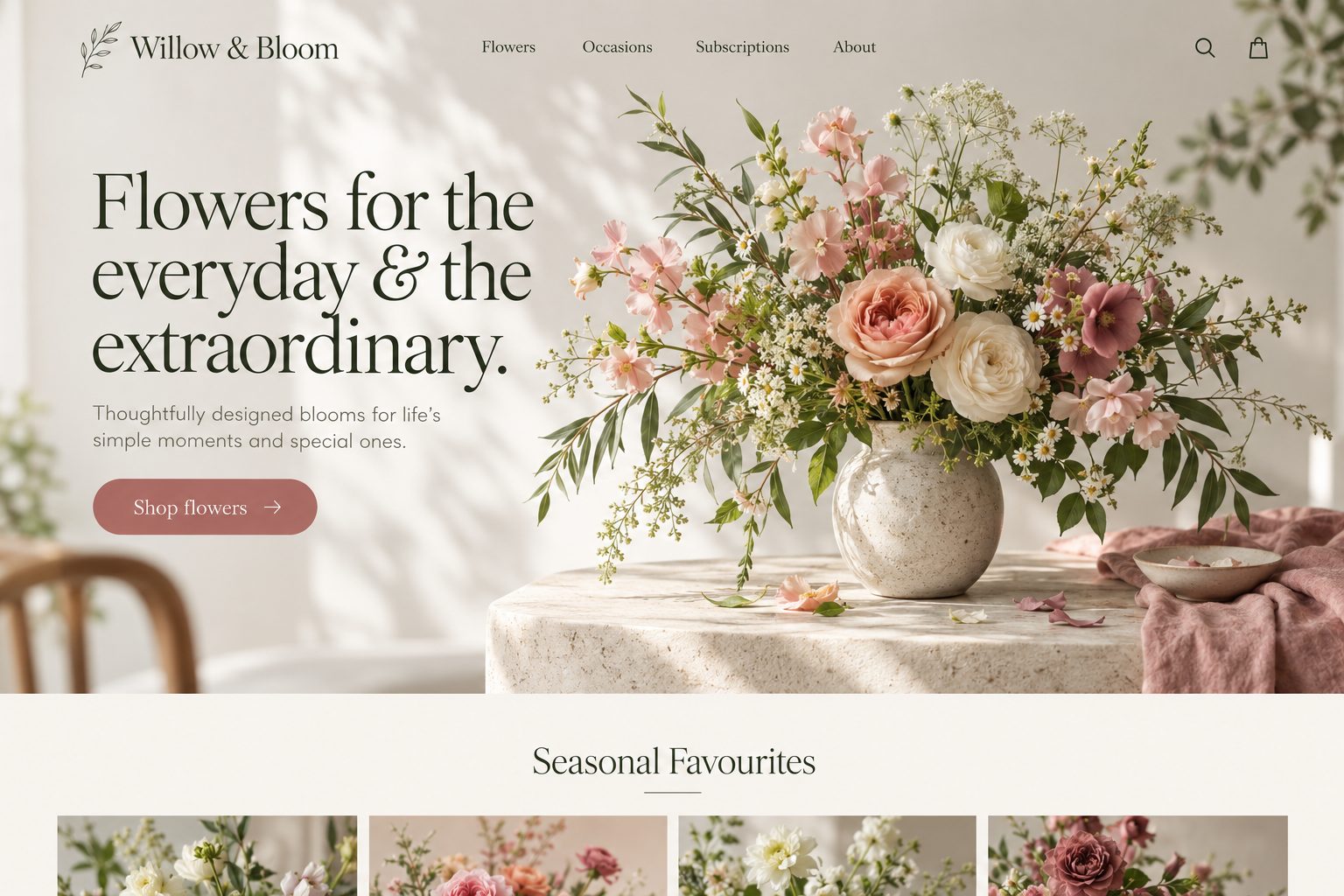
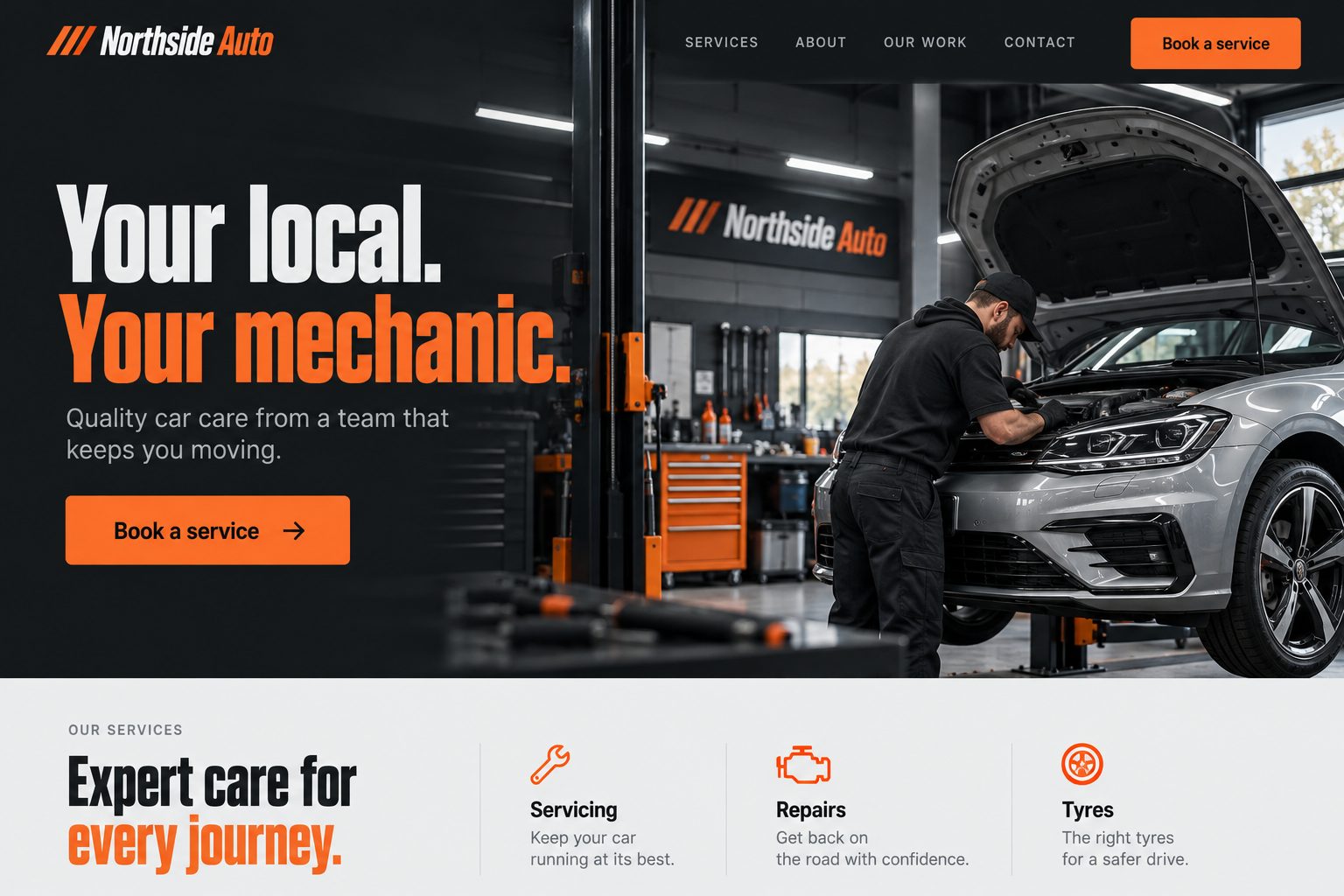
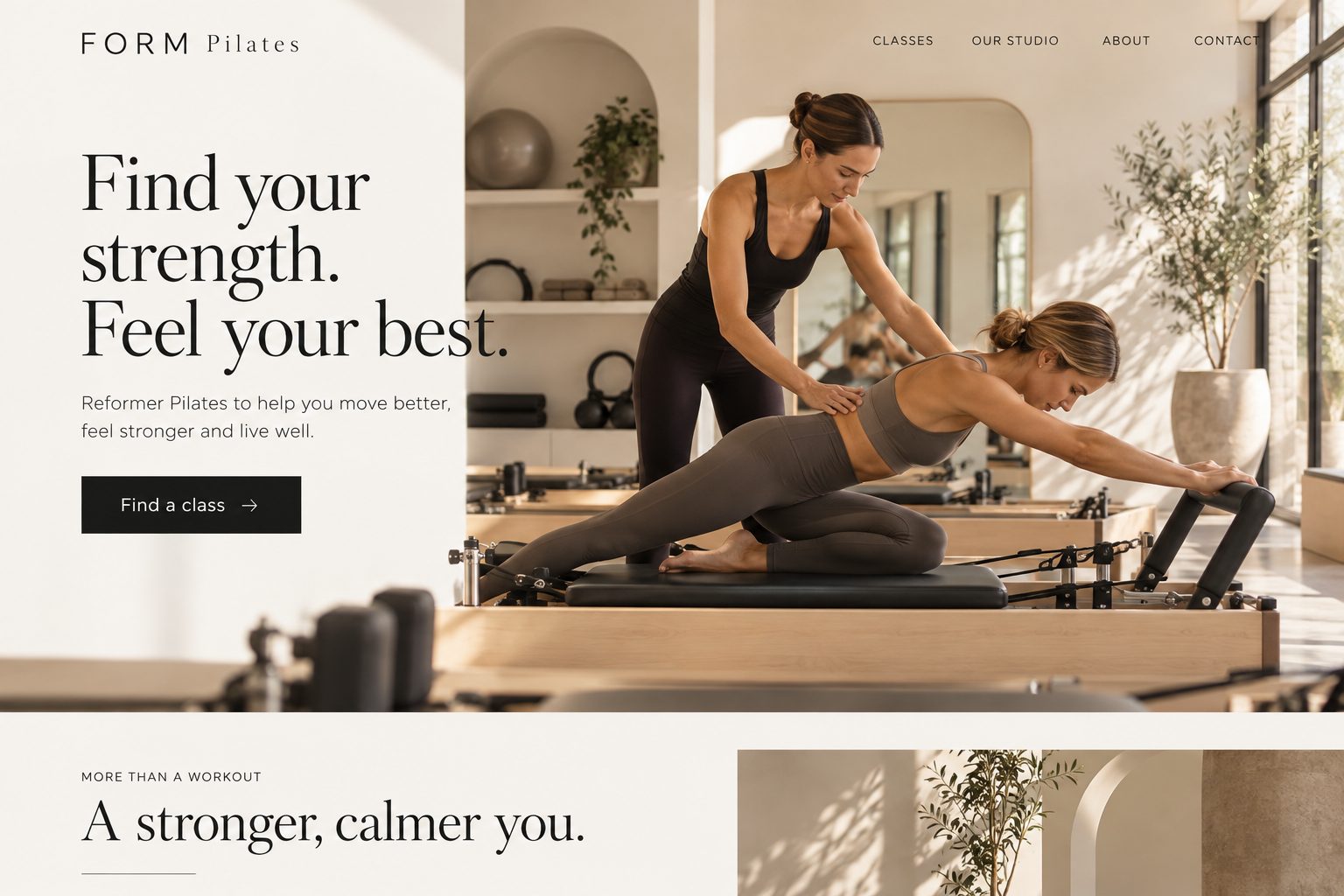
Plumber · quote button up topCafé · menu and opening hoursDentist · book onlineCleaner · areas you coverFlorist · order flowersMechanic · book a servicePilates studio · class times
Sample websites.
Everything in the editor
The details.
Built from a few words
Your trade and place in, a written and designed site out. One full site, or one landing page.
Click to edit
Text styles, bold, links, colours. Ask AI rewrites words, and shows you before it changes them.
Ask Genius
Change the page by saying what you want. Undo works on everything it does.
Site styles
Palettes, colours from your logo, your own colour, font pairs, background, buttons, page width.
40 starter sections
Heroes, services, reviews, questions, call-to-action bands. Swap a section's layout any time.
Headers and footers
Rows, phone number styles, buttons, an announcement bar, and footer designs with hours and links.
Animation
Eight entrances for one section, the whole page, or the entire site.
Right-click menu
Background, layout, animation, add element, move and delete, right where you click.
Pages and page sets
Add one page, or a set for every service and suburb. Drag pages around your menu.
Pictures
A picture library, your uploads, cropping and focus point.
Earlier versions
Every publish is saved. Put any earlier one back online, or take the site offline.
Preview first
See it as a visitor would, on a computer or a phone, before you publish.
Which plan
The editor is on every plan.
Every plan comes with the website builder. Compare what each plan includes on the pricing page.
No. You tell us what you do and where, in a few words. We write the pages, pick a design that suits your trade and set up the search basics. After that, you change things by clicking on them, or by asking Genius in plain words.
Does anything go live before I say so?
No. Your new site is written and designed, but nothing is published until you press Publish. While you test, it can stay hidden from Google.
What if I break something?
Undo puts it back. And every time you publish, that version is saved. Open Publish, find an earlier version and press Show this one to put it back online.
Can I make a page for every suburb I work in?
Yes. Tick the suburbs (or whole regions) and the services, set what goes on every page once, check the titles, and the pages are made together as a set. Change the set later and they all change.
Will it look right on phones?
Yes. Every site is checked on a phone as part of the build, and every section is made to work from small phones up.
Does Genius cost extra?
Small edits are part of your plan. Bigger jobs, like writing a whole new page, use Genius Credits, which you can see in your dashboard.
I already have a website. Can I start from it?
Yes. When you build, open the options and paste your old web address.
Start with a few words about your business.
You'll have a website to look at in about half a minute. Nothing goes live until you say so.